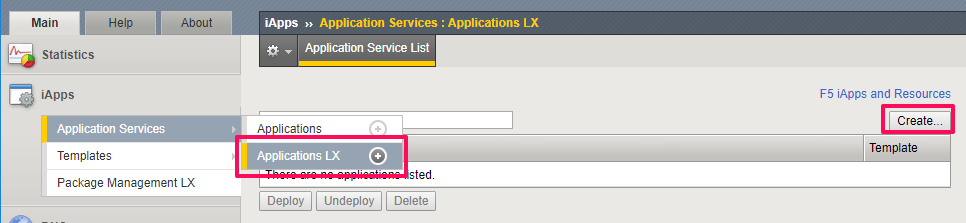
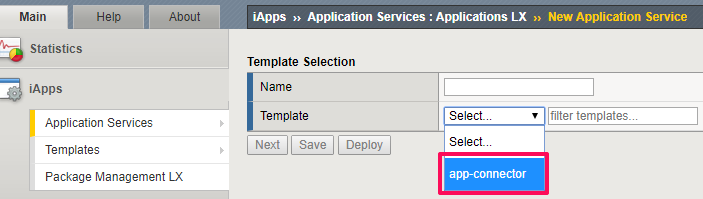
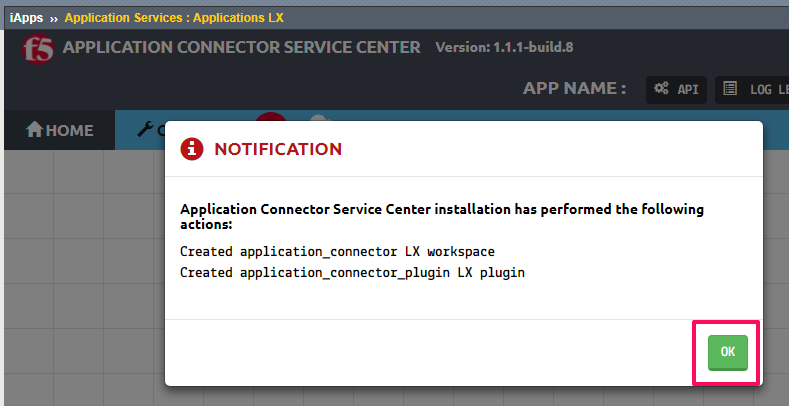
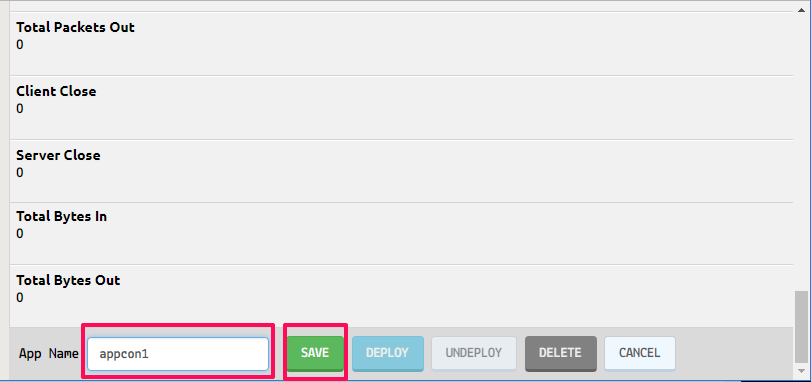
To configure the F5® Application Connector Service Center on a BIG-IP® system, complete the following tasks.
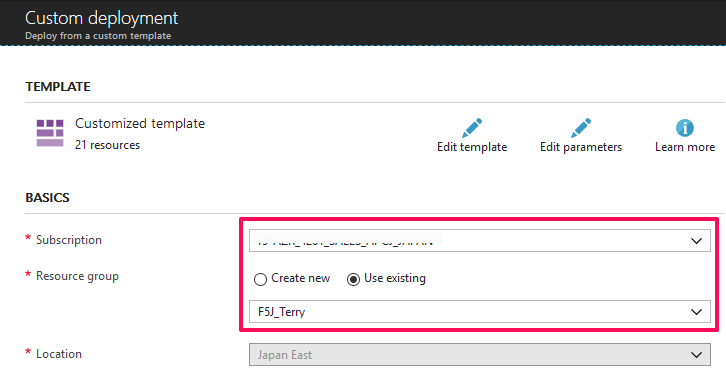
In this guide, we will use the below Azure ARM template to deploy a BIG-IP HA pair using the existing network stack created earlier.
https://github.com/F5Networks/f5-azure-arm-templates/tree/master/supported/ha-avset/existing_stack
In this guide we will use the BYOL deploy button and evaluation licenses.
Note
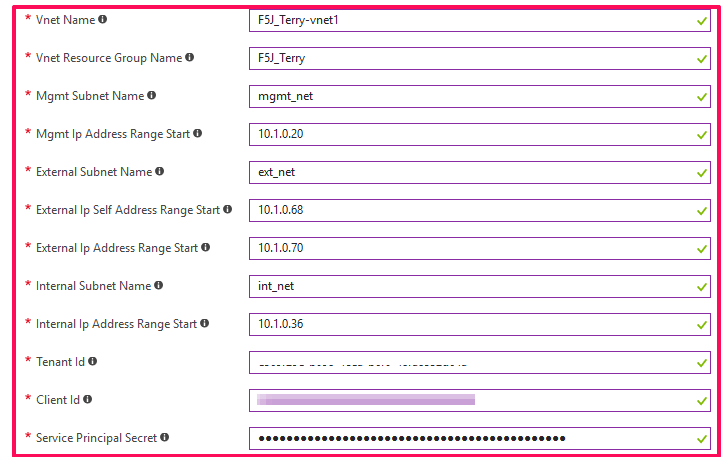
Use the information gathered in the previous step to fill in the tenant id, client id, and service principle secret.
Note
The first three addresses in the subnet are reserved for Azure service usage.


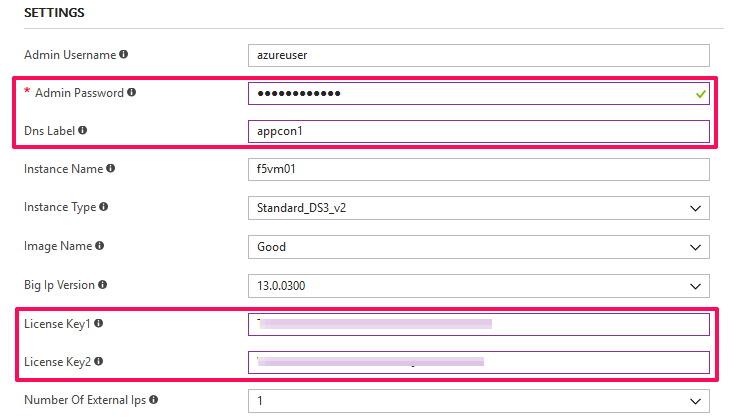
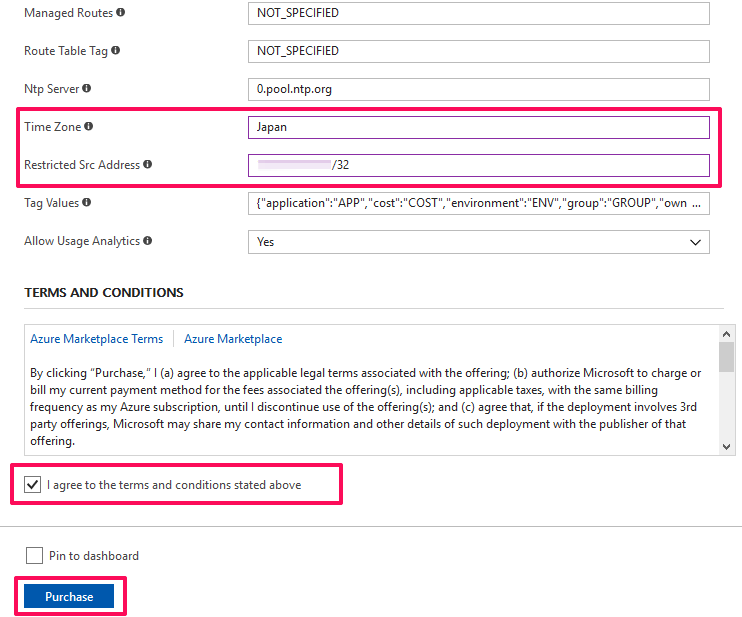
Enter in the required configurations, agree to terms and conditions then click Purchase.
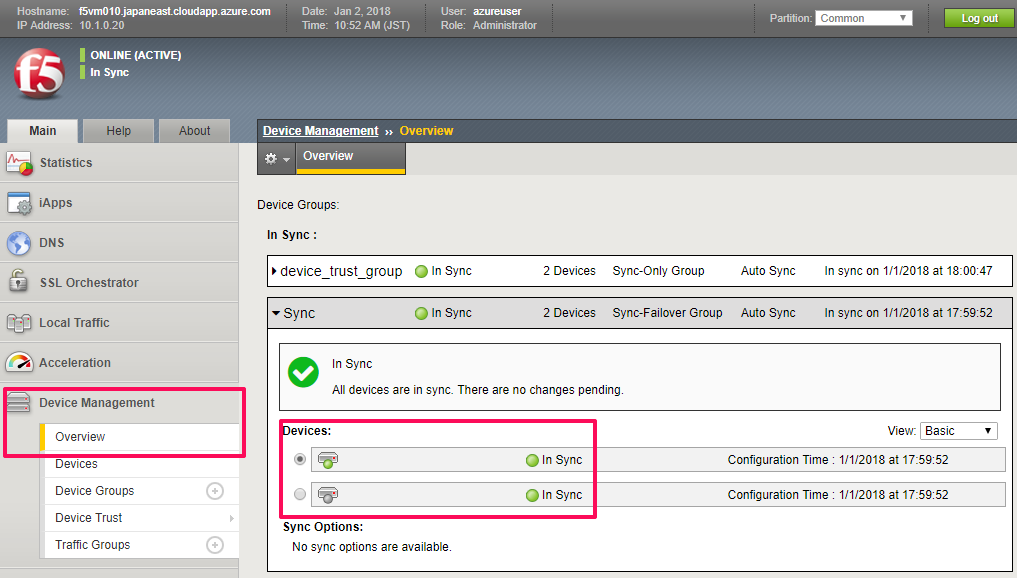
Confirm BIG-IP HA configuration.
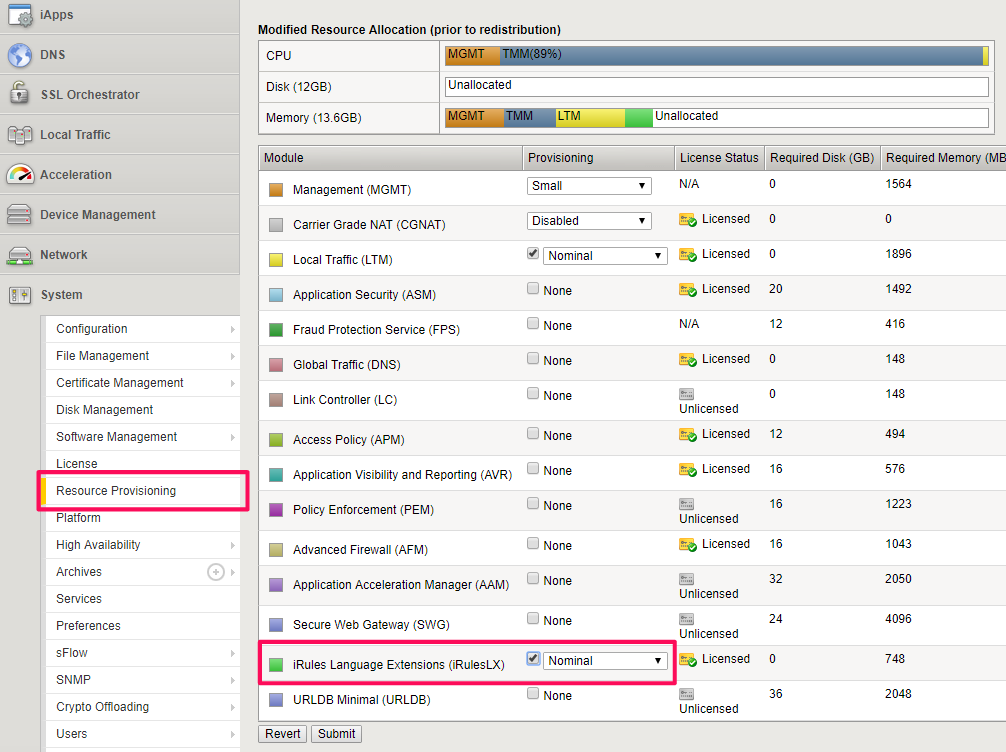
Provision iRules LX on both BIG-IP units.
Enable iApps LX on both BIG-IP units via CLI.
touch /var/config/rest/iapps/enable
Note
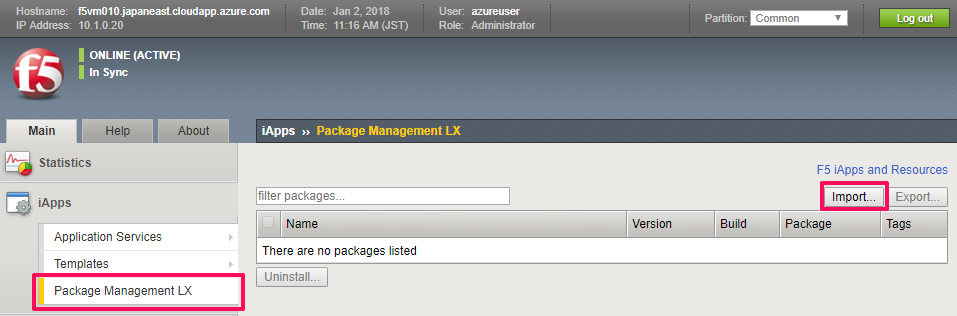
You may need to refresh the UI to see the iApps LX menus.

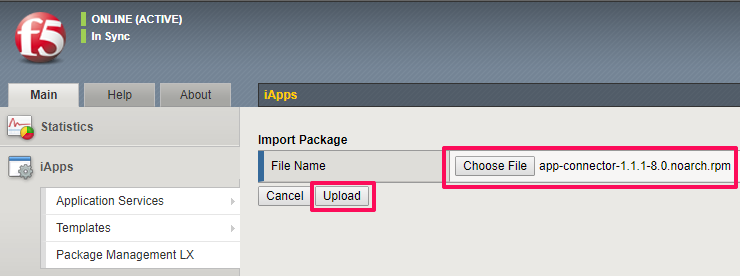
Download and import the F5_Application_Connector_Service_Center package
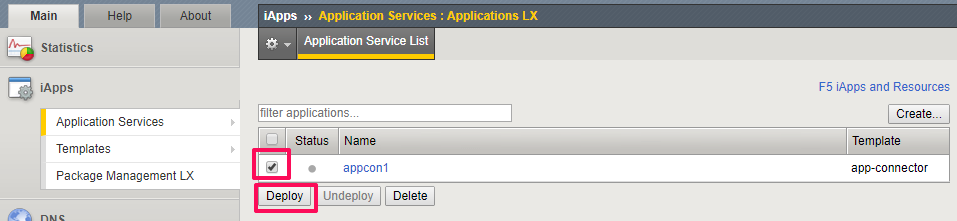
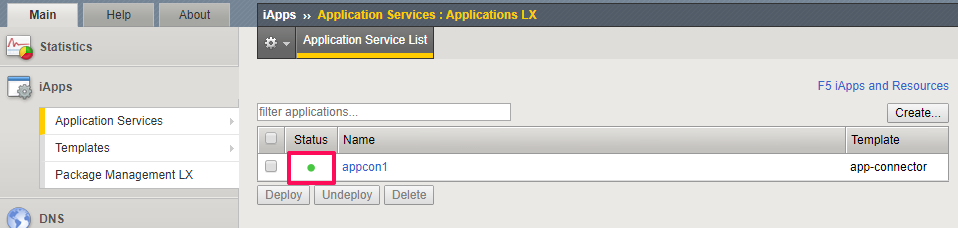
Deploy the Service Center.
This completes the configuration of Service Center.